
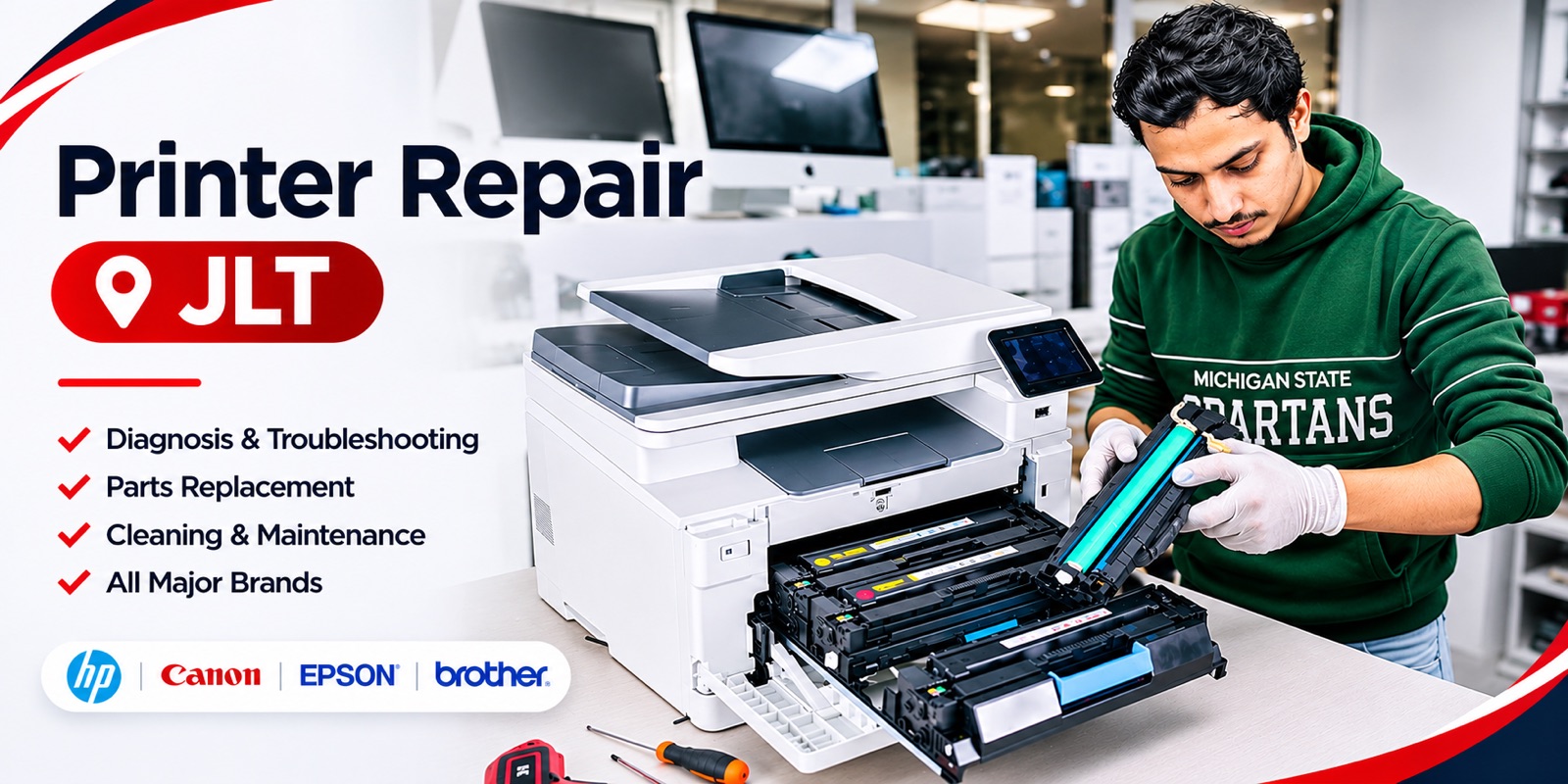
Looking for printer repair in JLT, Dubai? We provide onsite printer repair services for residential customers, offices, shops, and businesses across Jumeirah Lakes Towers.
If your printer has stopped working, is printing blank pages, showing an error, or experiencing paper jams, you can arrange a technician visit at your location. Our technician will visit your apartment or office, inspect the printer, identify the problem, and explain the repair options.
You do not need to disconnect your printer or carry it to a repair shop. We provide onsite printer repair in JLT, so you can get technical assistance at the location where you use your machine.
We repair all major printer brands, including HP, Canon, Epson, Brother, Samsung, Xerox, Ricoh, Kyocera, Lexmark, and other manufacturers. An onsite technician visit and printer checking costs AED 50. Printer repairs start from AED 150, depending on the fault and work required. Call or WhatsApp 0582291400 to discuss your printer problem and arrange a technician visit.
Onsite Printer Repair in Jumeirah Lakes Towers
Jumeirah Lakes Towers has residential apartments, commercial offices, business centres, and retail spaces. Printers are used throughout the area for everyday office work, invoices, contracts, reports, documents, and personal printing.
When a printer stops working, transporting it to a repair centre can be inconvenient. This is especially true for larger office printers and multifunction machines. Our onsite printer repair service allows customers in JLT to request technical assistance at their premises.
We provide visits for apartments, corporate offices, small businesses, retail shops, business centres, home offices, and companies using multiple printers. Contact us with the model and issue to discuss a visit.
All Printer Brands Repair in JLT Dubai
We provide printer repair services for different manufacturers and printer models. Each brand uses different components, printing technologies, software, and maintenance requirements. Our technician checks the specific model and fault before recommending a repair.
Brands we service include HP, Canon, Epson, Brother, Samsung, Xerox, Ricoh, Kyocera, Lexmark, Pantum, and other printer brands. Our service covers inkjet printers, laser printers, multifunction printers, and office printing machines.
If you are unsure whether your printer model can be repaired, send us the model number. We can discuss the issue before arranging an appointment.
Common Printer Problems We Repair in JLT
Printers can develop different faults depending on their age, usage, maintenance, and internal components. Here are common problems customers report.
Printer Not Printing
A printer may be switched on and connected to a computer but still refuse to print. Possible causes include incorrect settings, connection problems, outdated drivers, print queue errors, cartridge issues, or internal hardware faults. Our technician checks the printer and its connection to identify the reason it is not printing.
Printer Paper Jam
Paper jams can occur when paper gets stuck in the input tray, rollers, or internal paper path. Sometimes the printer continues showing a paper jam warning even after visible paper has been removed. Small pieces may remain inside. We inspect the paper path and feeding mechanism to identify the cause.
Printer Printing Blank Pages
If your printer produces blank pages, the problem may be related to ink supply, toner, printhead condition, cartridge installation, or another internal fault. The repair process depends on whether you use an inkjet or laser printer. We inspect the printer to determine the cause and recommend the required repair.
Printer Printing Lines or Spots
Lines, marks, faded text, and uneven printing can affect document quality. These problems may be associated with cartridges, blocked printheads, drum units, toner distribution, rollers, or internal components. Our technician can inspect the printed output and check the parts responsible.
Printer Offline Problem
A printer may show an offline status even when powered on. This can happen because of network configuration, Wi-Fi disconnection, USB problems, incorrect settings, or computer driver issues. We check the connection and configuration to identify the cause.
Printer Wi-Fi Connection Problem
Wireless printers allow several users to print from different devices. Connection problems can occur after changing a router, network password, computer, or printer settings. We can inspect the wireless configuration and help restore communication between the printer and connected devices.
Printer Not Recognising Cartridge
Sometimes a printer displays a cartridge error even after installing a new cartridge. The cause may involve cartridge compatibility, installation, electrical contacts, or the detection system. We inspect the cartridge and printer to determine what is causing the warning.
Printer Showing Error Codes
Some printers display error codes when a component is not operating correctly. The meaning depends on the manufacturer and model. Share a picture of the message or exact code when contacting us so we can understand the problem before the visit.
Office Printer Repair in JLT
Many offices in Jumeirah Lakes Towers depend on printers for daily operations. Employees print invoices, contracts, reports, quotations, customer documents, and internal paperwork. A printer fault can interrupt these tasks.
We provide onsite printer repair for offices and businesses in JLT. We can inspect desktop laser printers, inkjet office printers, multifunction machines, network printers, shared office printers, and high-volume printing machines.
If your office uses several printers, tell us how many require inspection when booking. Our technician will visit your office and inspect the reported problems.
Home Printer Repair in JLT
Home users depend on printers for school assignments, personal documents, business paperwork, and everyday printing. When a printer stops working, it can be difficult to tell whether the problem is the cartridge, printhead, connection, software, or internal hardware.
Our onsite service allows JLT residents to arrange a technician visit at their apartment. Share the brand, model, and issue through WhatsApp. If possible, send a picture or short video showing the problem.
Printer Repair Price in JLT Dubai
Our onsite technician visit and printer checking charge is AED 50. Printer repair starts from AED 150. The final repair cost depends on the printer model and type of fault. A connection issue may require different work from a paper feeding fault or an internal component replacement.
The onsite technician visit and printer checking charge is AED 50. Printer repair starts from AED 150, and the final price depends on the printer model, the fault and any parts needed. If you go ahead with the repair, the AED 50 is deducted from the repair price. You get the full quote before any repair work starts.
How Our Onsite Printer Repair Service Works
First, call or WhatsApp 0582291400 and explain the printer problem. Share the brand, model number, and a picture of any error message.
Next, share your tower name, office or apartment details, and preferred appointment time in JLT. We will discuss appointment availability.
Our technician visits your location, checks the printer, and explains the problem and proposed repair. You can discuss the price before proceeding.
Why Arrange a Printer Technician Visit in JLT?
Printers are often connected to computers, office networks, Wi-Fi systems, and other devices. Taking the machine to a repair shop may not always help identify network or computer configuration problems.
An onsite inspection lets the technician check the printer where it is normally used. This can be useful for network sharing, Wi-Fi configuration, driver problems, paper feeding, print quality, and internal hardware faults.
Book Onsite Printer Repair in JLT Dubai
If your printer is not working properly, contact us to discuss the problem. We provide onsite printer repair in Jumeirah Lakes Towers for homes, offices, and businesses. Our technician visits your location, inspects the printer, and explains the repair required.
We service major printer brands. Onsite technician visits and printer checking cost AED 50, and printer repairs start from AED 150.
Service: Printer Repair JLT Dubai | Onsite Visit & Checking: AED 50 | Printer Repair Starting Price: AED 150 | Service Type: Onsite Technician Visit | Office: Tiffany Tower, Office 9, Dubai, UAE | Call or WhatsApp: 0582291400


